News & Publications
Don't miss out on your mail
Sep 11, 2026
Categories: Employee Benefits, News
While our everyday lives become lived more increasingly online, the daily mail service still serves an important service in the Saskatchewan health care system.
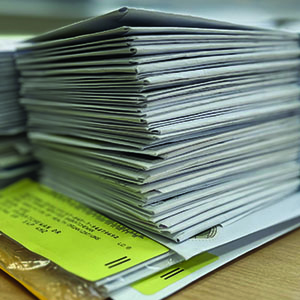
Like many service providers, 3sHealth sees a significant amount of mail come and go from our head office every day. Unfortunately, we also see a lot of it come back when it shouldn’t.
3sHealth sends health-care system employees, vendors, partner agencies, and suppliers mail each week. Occasionally, we send out large groups of correspondence, such as our semi-annual benefit plans newsletter, which is received by nearly 49,000 people twice a year.
These large mailings also reveal that some people forget to make sure their mailing address is up to date. A recent snapshot of mail received at 3sHealth over the course of a week showed approximately 100 pieces of correspondence received each day, with more than half marked “return to sender” due to incorrect or incomplete mailing addresses.
For Employee Benefit Plans members, an incorrect mailing address could mean they will not receive information about their plan in a timely manner or, if they have not opted in for direct deposit while on a disability claim, their claims payments.
Keep your address up to date!
Update your address with 3sHealth any time you move. It’s easy!
Employees with access to MyConnection must change their address in that system; the Employee Benefits team cannot make that change for you. Consult work standard KB0013025 for details and direction or follow these steps:
- Select 'MyWork' from the top right corner;
- Select the 'Me' tab if it is not already selected as your default;
- From the 'Quick Actions' navigation menu on the left, select 'Contact Info;'
- Select the pencil button in the 'Address' tile to transition to edit mode;
- Make updates as required; and
- Select 'Save.'
Additionally, when you update your address with your employer, they should then provide your new address to 3sHealth Employee Benefits.